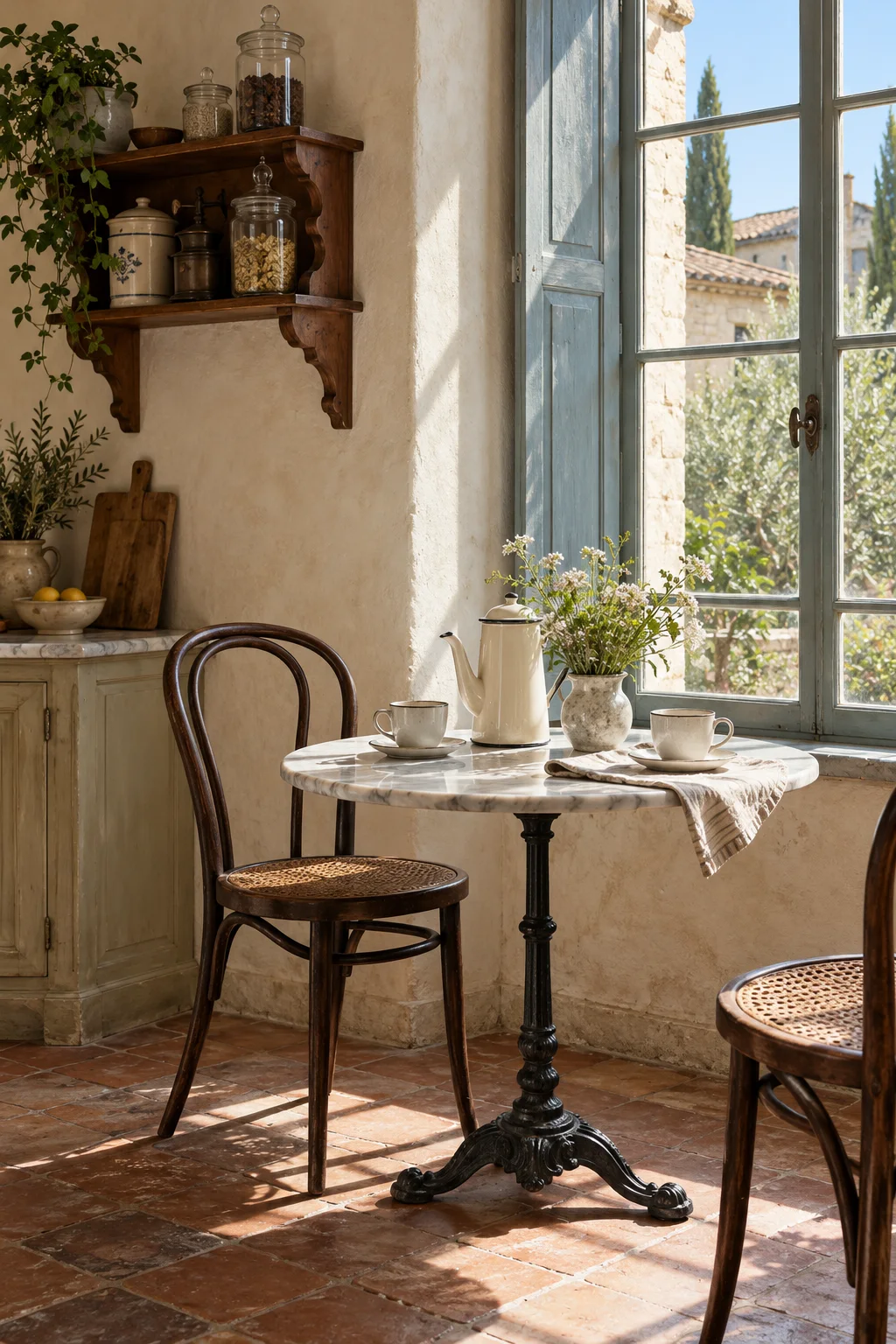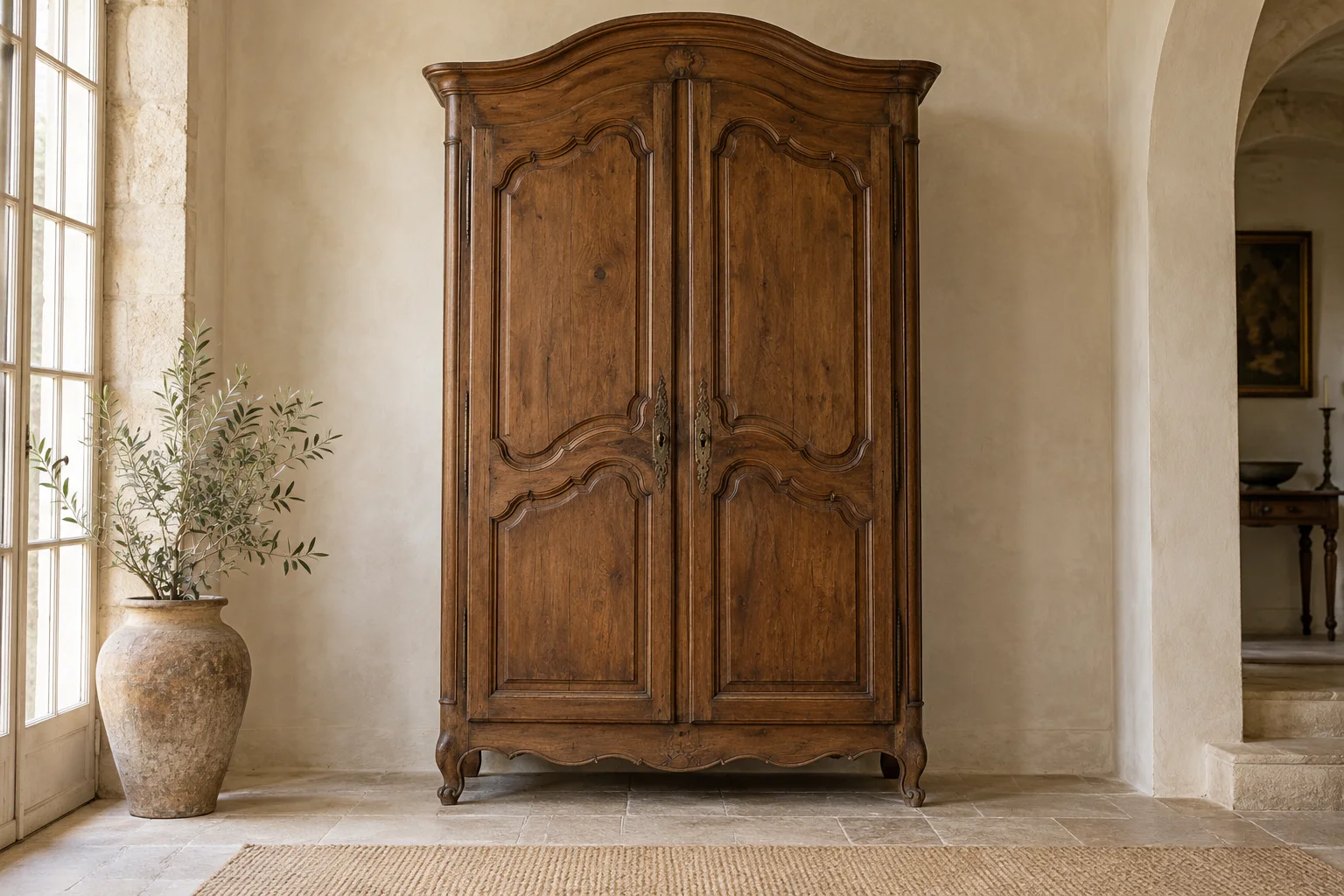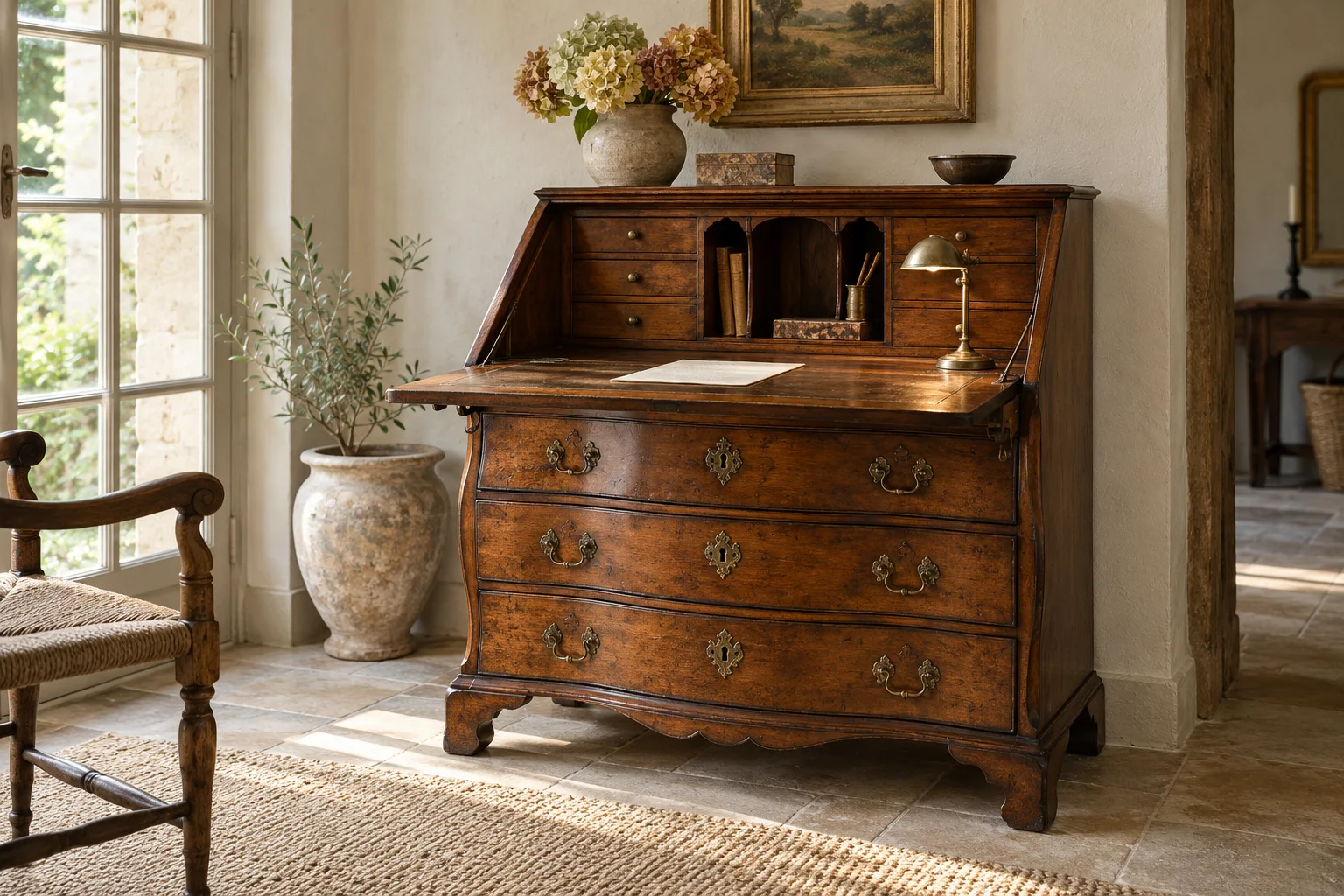
Plan the workstation around your movements
List your activities: correspondence, laptop work, a separate monitor, reading, or filing. Measure the space needed with equipment open, not simply stored. A secretary’s shelf might hold letters while obstructing a screen. Drawers beneath the top sometimes restrict thigh clearance, so check the clear height and width between the legs while seated.
The chair back must be able to move away without hitting a bookcase. In a small office, a closed secretary makes the room visually calmer, but its open writing fall occupies additional depth. Draw both configurations on the plan. Allow for a separate lamp and a cable route before choosing the wall position.
Inspect the writing fall, runners, and work surface
Photograph the piece open and closed. For a secretary, ask how the stays or pull-out supports hold the writing fall and look for uneven support heights. A writing fall is not a seat and should not be tested with your full body weight. Ask to see drawers opening normally without force, along with their bottoms and runners.
Is the top made of wood, veneer, leather, or an added material? That observation informs the choice of a desk pad and any treatment. Torn leather requires different attention from lifting veneer. Inventory locks and keys even if you do not intend to lock every compartment.
Create a work area with reversible additions
A dark wooden desk stands out against an ivory or sage wall. Choose a comfortable chair first; its fabric can echo the curtain without exactly matching the desk’s style. A compact lamp leaves the surface visible. Reserve one area for useful items and just one for small antiques so decoration does not reduce the workspace.
The Canadian Conservation Institute explains that furniture finishes vary: no universal treatment suits them all. Have the desktop finish documented before selecting a product. For modern equipment, prefer independent cable routing and a separate monitor stand when this avoids drilling. Keep removed parts with photographs of their original positions.
What to compare
| Option | Role in the room | What to check |
|---|---|---|
| Flat-top desk | Open working surface and immediate access | Legroom |
| Drop-front secretary | Conceals papers after use | Open depth and supports |
| Small desk with upper compartments | Correspondence and visible filing | Space occupied by a monitor |
Your buying checklist
Continue planning your room
Frequently asked questions
Can a secretary work for daily remote work?
It can if its surface, supports, and your seated position suit the work involved. Try a full-size mock-up with your keyboard and chair. If you must sit at an angle or keep your legs cramped, choose another piece instead of relying on the charm of the writing fall.
Can I drill through the top for cables?
First look for an independent route behind the furniture. Drilling changes the piece and may cut through a significant surface or joint. If adaptation remains necessary, have a professional explain its location and consequences. Photograph the desk before and after the work, and retain any fittings that are removed.
How should a leather desktop be protected?
First identify its condition and any previous treatments. A desk pad suitable for the intended use may reduce everyday contact with equipment, but it cannot repair brittle or torn leather. Seek specific advice before applying any product; preparations intended for shoes or a sofa are not automatically suitable.
Does the chair need to be from the same period?
Matching periods is not essential to a harmonious arrangement. Connect materials, a color, or a curve while prioritizing a comfortable seat. Compare the actual seat height, armrests, and available space behind the chair. The desk needs to function as a workstation before becoming a perfectly matched stylistic ensemble.
Sources & further reading
- Canadian Conservation Institute — Care of Furniture Finishes — Variety of finishes and conservation of old surfaces; does not establish age or wood species.